Do You Really Need Fibre at Home? When It Makes Sense for West Vancouver and Whistler Properties
Do You Really Need Fibre at Home? When It Makes Sense for West Vancouver and Whistler Properties
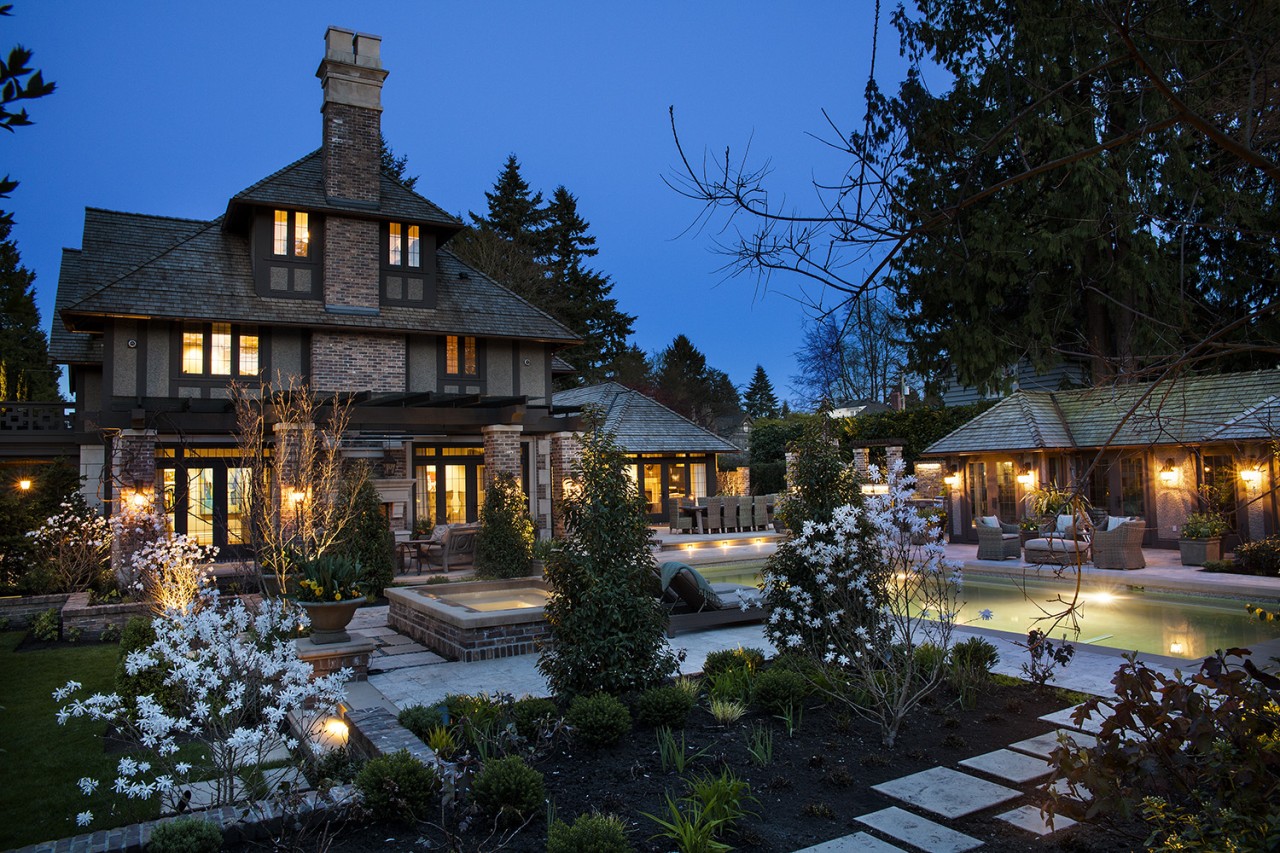
If the Wi-Fi at your gate, garage, or coach house is terrible, the fix is not always “more Wi-Fi”. On larger properties in West Vancouver and Whistler, the real issue is often the backbone that connects buildings and rack locations together. Get that foundation right, and everything built on top of it performs better, lasts longer, and is easier to upgrade.
At Graytek, we take a design-first approach, and that starts with infrastructure. Before we talk about access points, cameras, or entertainment, we plan the backbone first so your system is stable now and ready for future upgrades.
SEE ALSO: Explore the Graytek design and build process
Fibre vs Cat6a in plain language
Cat6a is the workhorse cable we use for most in-home data runs. It is excellent for typical residential distances and modern networking speeds, and it is often the right choice for the majority of devices in the main house.
Fibre is different. Think of it as the “between buildings” and “between racks” specialist. It is designed to carry high bandwidth over longer distances and it is not affected by electrical interference in the same way copper cabling can be. For larger properties, fibre is often the cleanest way to connect a main equipment rack to an outbuilding or a secondary rack location.
SEE ALSO: How a properly designed network keeps your whole property connected
When Cat6a is usually enough
For many new builds, Cat6a is enough when:
- Everything is within one primary building footprint.
- Your network rack and the key devices are relatively close together.
- You are not trying to link separate structures like a gate, pool house, garage suite, or detached garage.
- You want a strong, flexible infrastructure that supports today’s networking without overcomplicating the build.
In other words, if the home is compact and the wiring distances are reasonable, Cat6a is often the right backbone.
When fibre becomes the smarter backbone
Fibre starts to make practical sense when any of these are true:
- Outbuildings and detached structures: Garage suites, coach houses, pool houses, and gate equipment are common sources of “dead zones”. Running fibre to these buildings creates a high-performance link so your Wi-Fi and devices out there behave like they are part of the main home.
- Long distances on the property: Large lots can push copper runs toward their practical limits. Fibre gives you more headroom and consistency.
- Secondary racks and remote tech zones: If you need a secondary rack in a different wing of the house, a boathouse, or a remote mechanical area, fibre can provide a clean, high-capacity connection between rack locations.
- Future upgrade flexibility: Fibre is an excellent backbone to grow into. If you expect the property to expand, add buildings, or increase network demands over time, fibre helps you avoid redoing major infrastructure later.
This is why we often recommend fibre backbones for complex West Vancouver hillside homes and Whistler properties where distances, construction materials, and outbuildings make performance harder to guarantee with copper alone.
SEE ALSO: See how infrastructure supports whole-home smart automation
The real pain point: “The gate or garage suite Wi-Fi is terrible.”
When a gate or garage suite has poor connectivity, it is tempting to add another access point or booster. That can help, but only if the access point has a solid connection back to the network.
If the link feeding that remote area is weak, unstable, or distance-limited, the best Wi-Fi hardware in the world will still feel unreliable. A properly planned backbone, often fibre for detached locations, is what turns that area into a normal part of the network rather than a constant troubleshooting spot.
Graytek’s approach: design the foundations first
We treat the backbone as part of your home’s system foundations. Once the backbone is right, we can design everything else with confidence, including:
- Reliable Wi-Fi coverage across the whole property
- Security and gate connectivity that responds quickly
- A network that is easier to service and expand
- Cleaner upgrades when your needs change
This is also where good documentation and coordination matter. Planning conduit routes, entry points between buildings, rack locations, and service loops during the build saves major time and cost later.
A simple rule of thumb
If you are wiring within a single home and distances are typical, Cat6a is often enough. If you are connecting buildings, crossing long distances, or linking multiple rack locations, fibre is usually the right backbone to discuss early.
The best answer is not “always fibre” or “never fibre”. It is choosing the right foundation for the property you are building.
Ready to plan your backbone the right way?
If you are building a new home in West Vancouver or Whistler, book an infrastructure consult with Graytek. We will help you map the backbone first, then design the rest of the system around it so performance is predictable and upgrades are straightforward.
Book an infrastructure consult: graytek.ca/contact
When you subscribe to the blog, we will send you an e-mail when there are new updates on the site so you wouldn't miss them.